
![[RESOTT] Buy IPTV | The Premium IPTV Provider](https://subscription.resott.com/wp-content/uploads/2025/09/resott-black.webp)
Windows & Mac Tutorial
Method 1: CAP PLAYER
1
2
Change Playlist
Go to Change Playlist → Add Playlist
3
Enter M3U URL
Paste your IPTV M3U playlist URL and click Play
Method 2: IPTV Smarters Pro
1
2
Add Playlist
Open app and select “Add New User” → “Login with Xtream Codes API”
3
Enter Credentials
Input server URL, username, and password provided by RESOTT IPTV
FireStick Tutorial
Method 1: RESOTT App
1
Enable Apps from Unknown Sources
Settings → My Fire TV → Developer Options → Turn ON
2
Install Downloader
Search “Downloader” in Amazon App Store and install
3
Download IPTV App
Enter the code 1013487 in the Downloader app to load the destination URL.
Method 2: Ibo Pro Player
1
Enable Apps from Unknown Sources
Settings → My Fire TV → Developer Options → Turn ON
2
Install Downloader
Search “Downloader” in Amazon App Store and install
3
Download IPTV App
Open Downloader app and enter this Downloader Code: 481220
Android Tutorial
Method 1: Download RESOTT APP
1
Download RESOTT App
2
Add Playlist
Go to Change Playlist → Add Playlist
3
Enter xtream code API
Paste your Username and Password and click Play
Method 2: CAP Player
1
Download App
2
Add Playlist
Open app and select “Add New User” → “Login with Xtream Codes API”
3
Enter Credentials
Input server URL, username, and password provided by RESOTT IPTV
Apple & IOS Tutorial
Method 1: Download CAP PLAYER
1
Download IBO Pro Player
2
Change Playlist
Go to Change Playlist → Add Playlist
3
Enter M3U URL
Paste your IPTV M3U playlist URL and click Play
Method 2: IPTV Smarters Pro
1
Download App
2
Add Playlist
Open app and select “Add New User” → “Login with Xtream Codes API”
3
Enter Credentials
Input server URL, username, and password provided by Proxi IPTV
SmartTv Tutorial
Smart TV App Store
1
Search IPTV App
Look for any of these apps: CAP PLAYER OR SetIPTV / NetIPTV / IBO Player Pro / IBO Player
2
Send MAC Address
Send us the MAC address via WhatsApp / Email
3
Restart & Enjoy
After a few minutes, restart/reboot your TV and open the app. Done!
Android TV
1
Google Play Store
Search for IPTV Smarters app or Ibo Pro Player and download it
2
Add Playlist
Open app and select “Add New User” → “Login with Xtream Codes API”
3
Enter Credentials
Input server URL, username, and password provided by Proxi IPTV
Download RESOTT IPTV Player
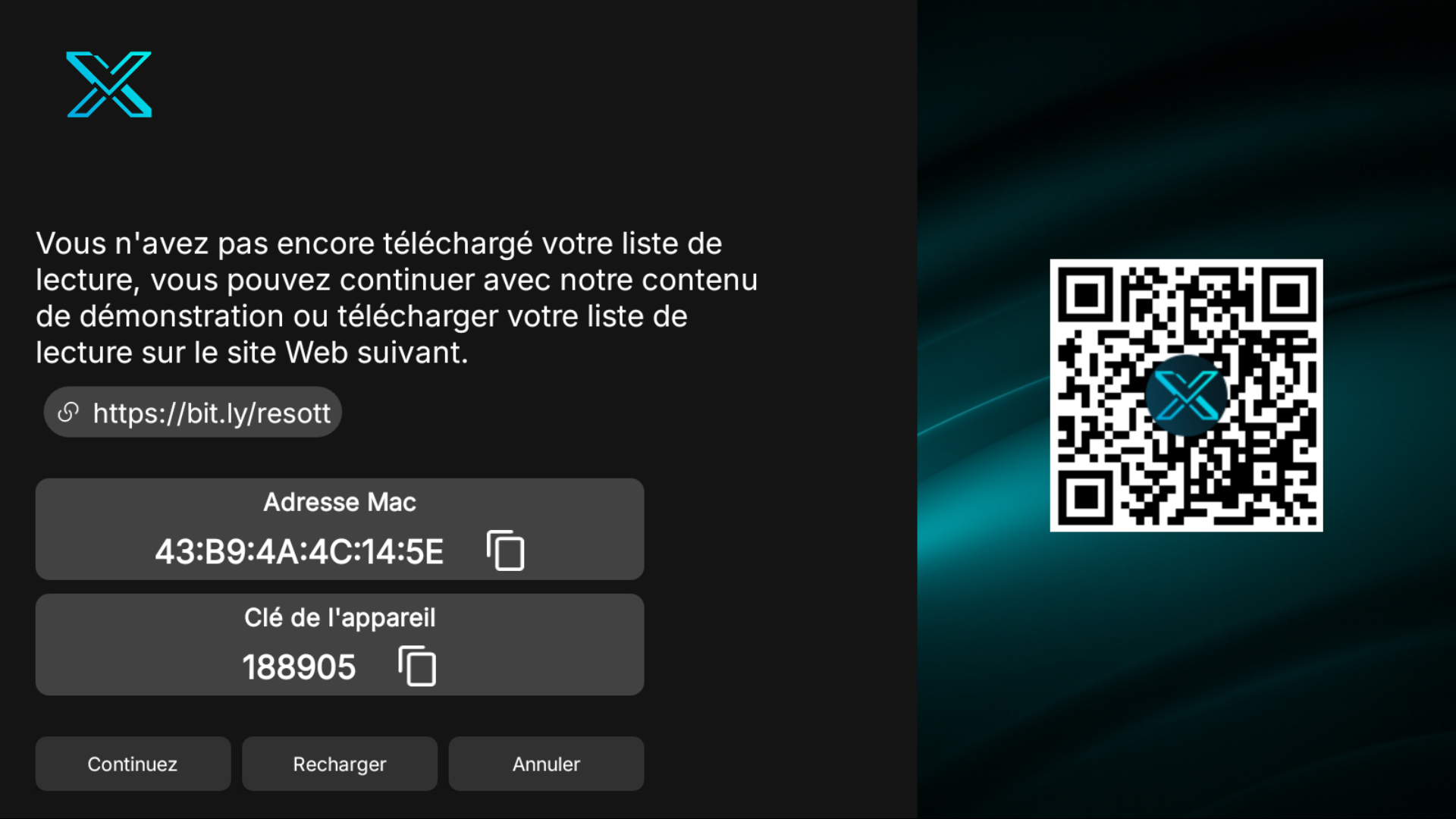
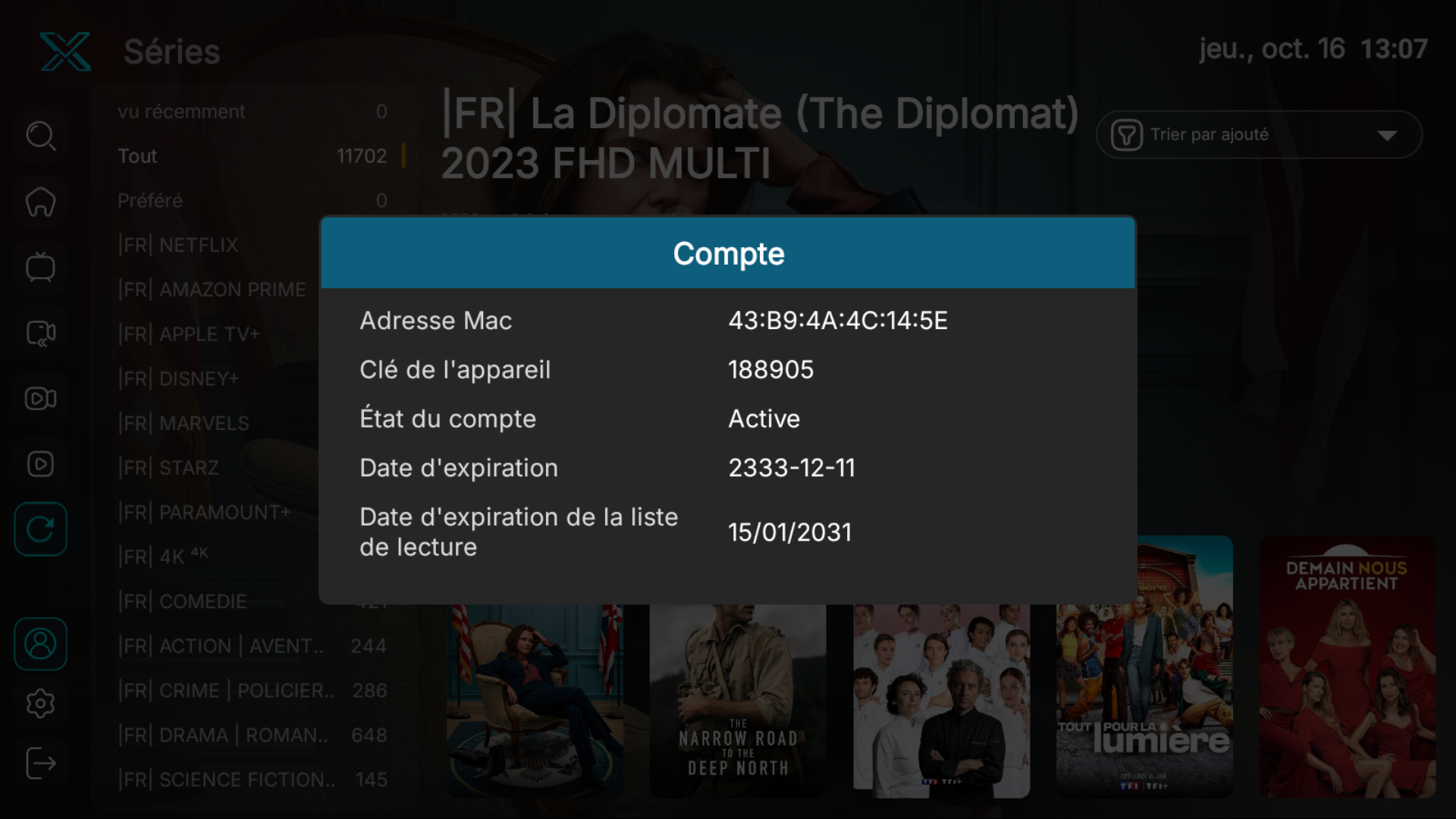
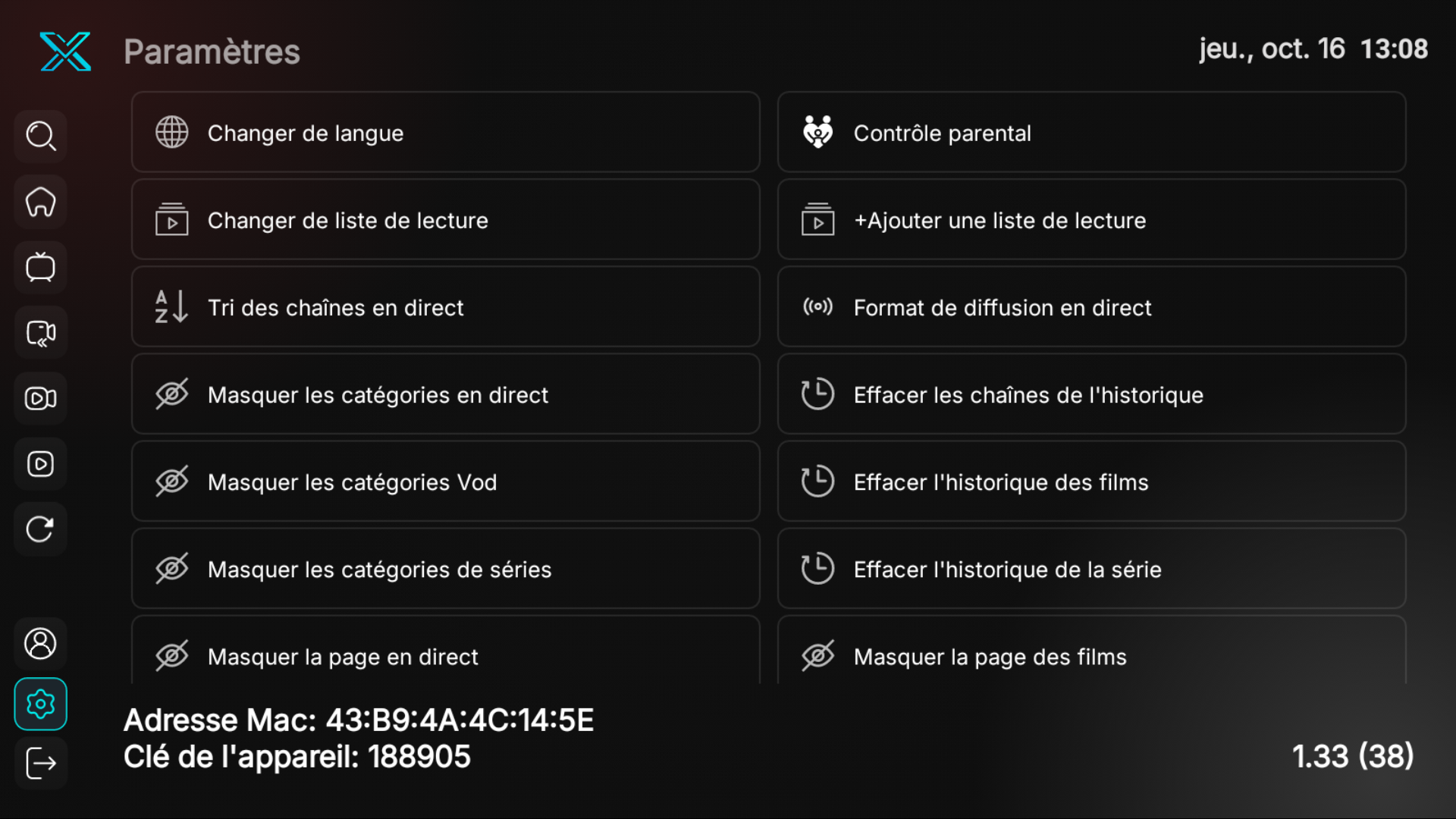
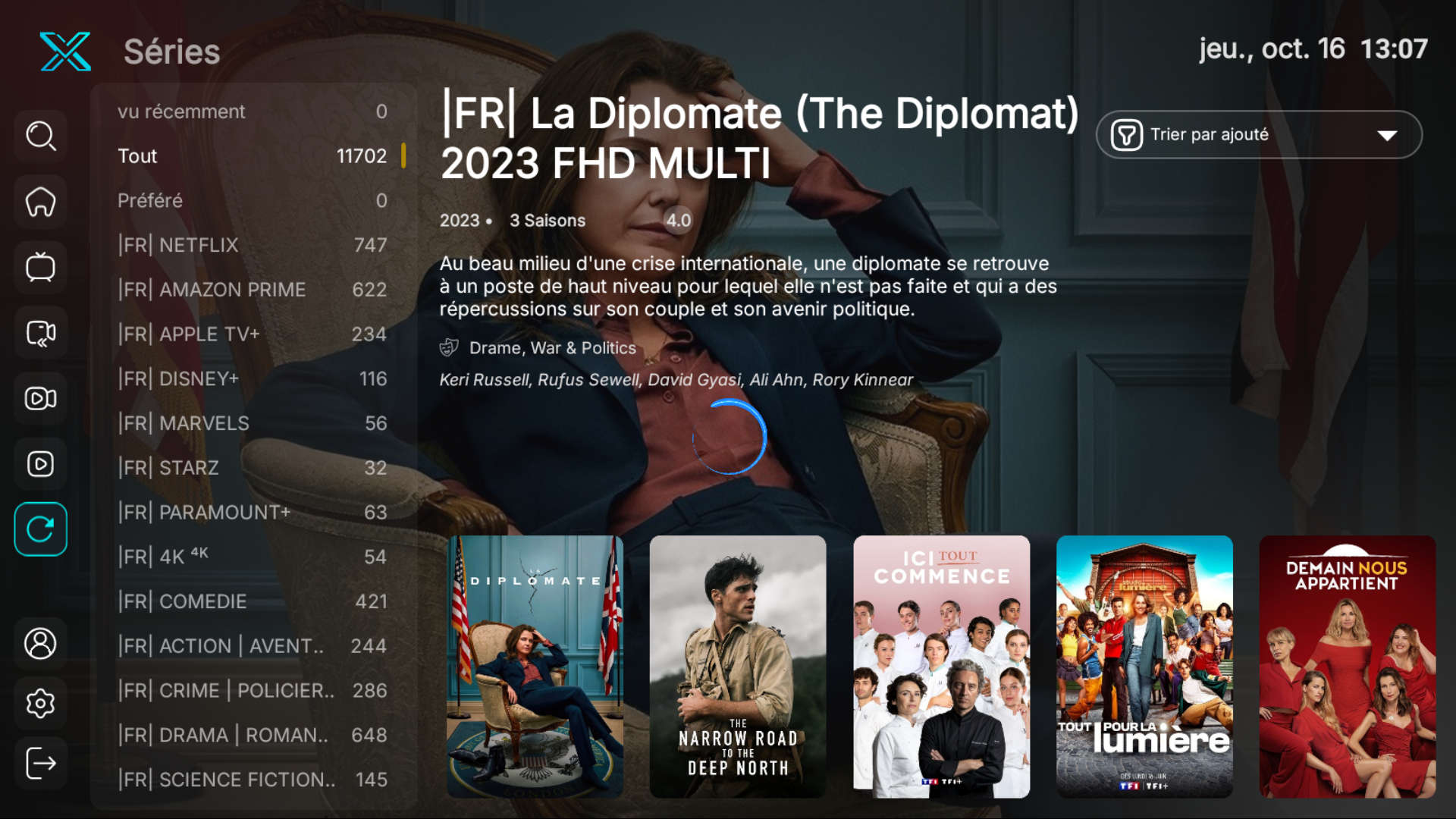
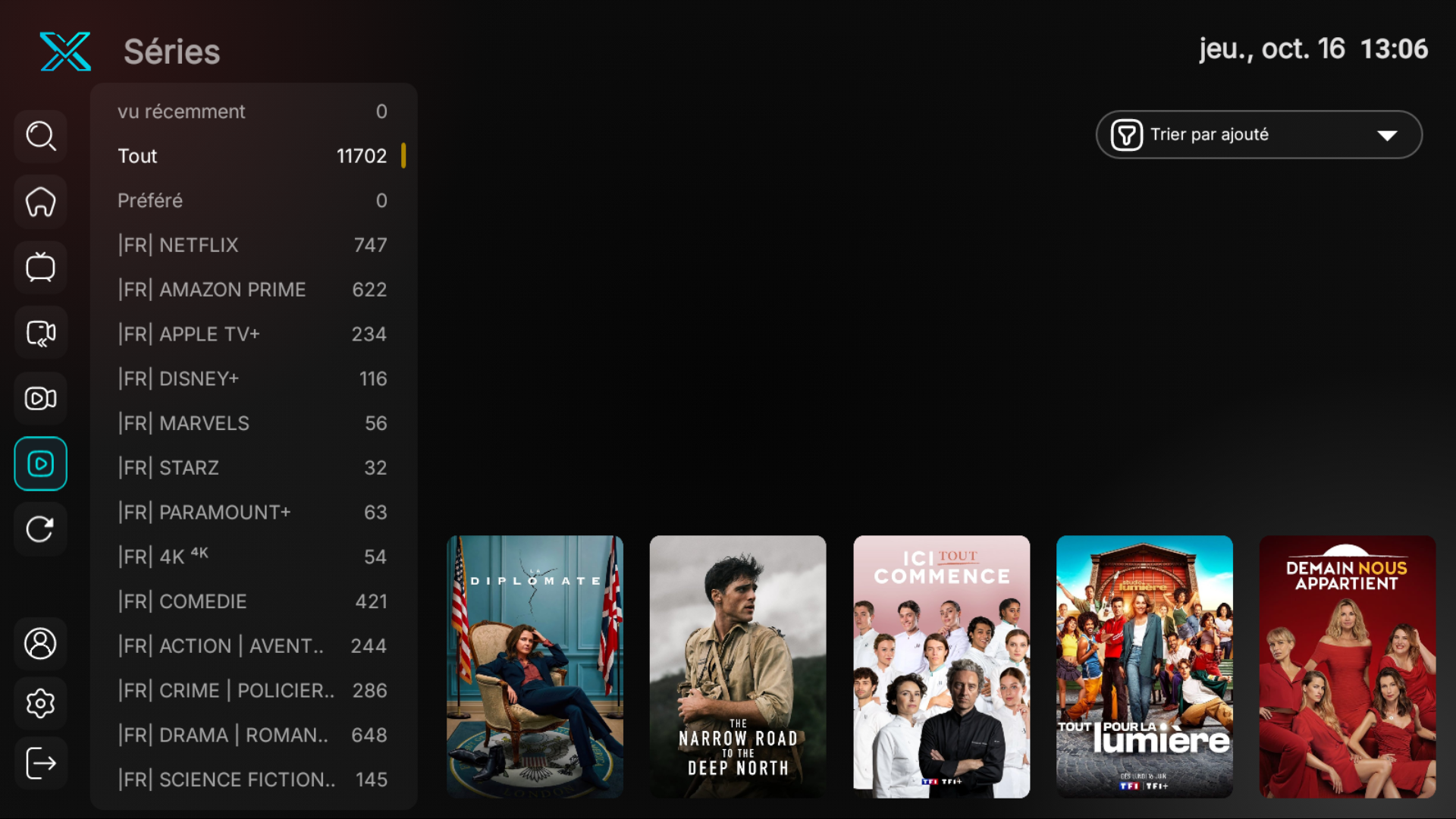
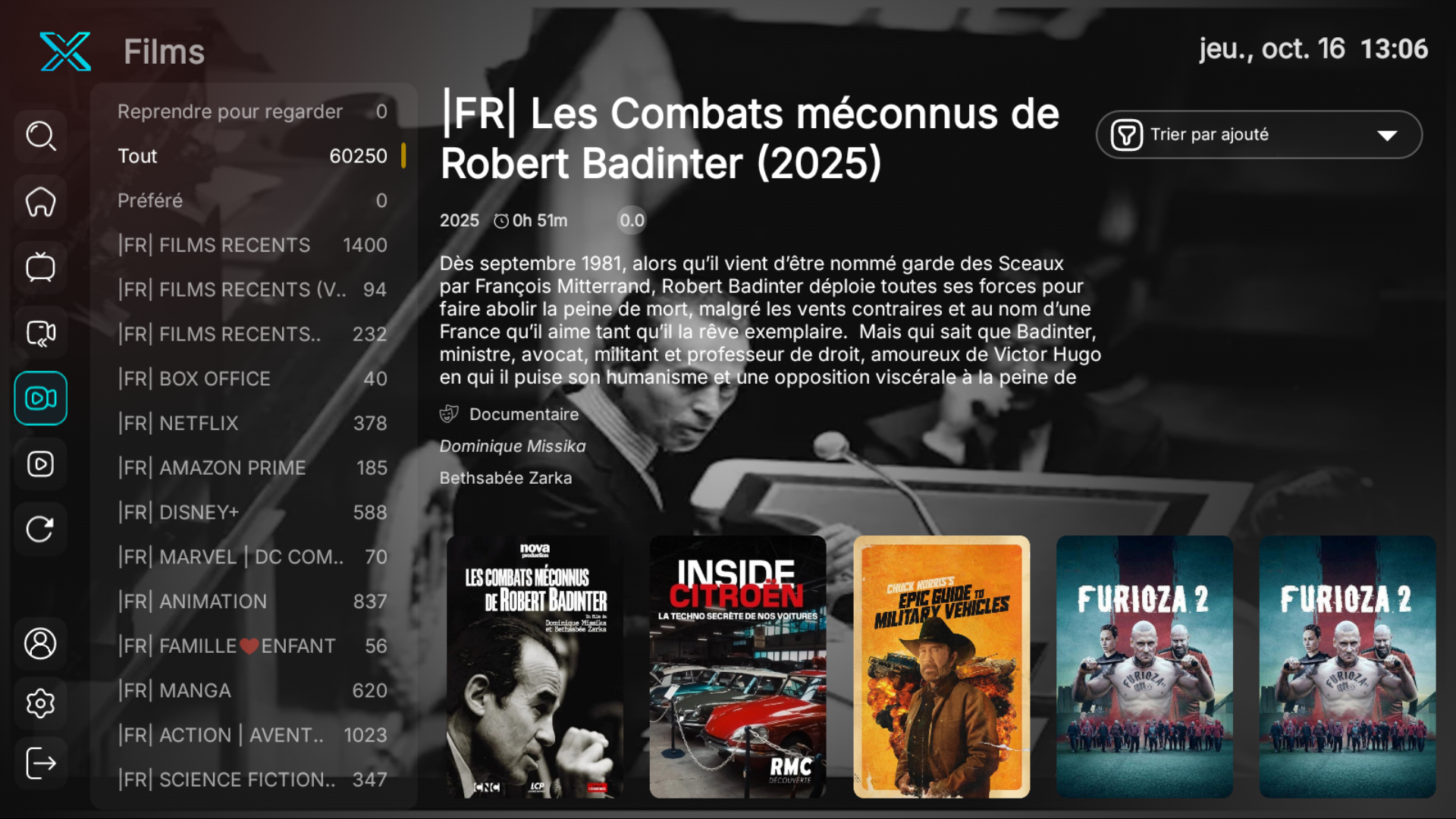
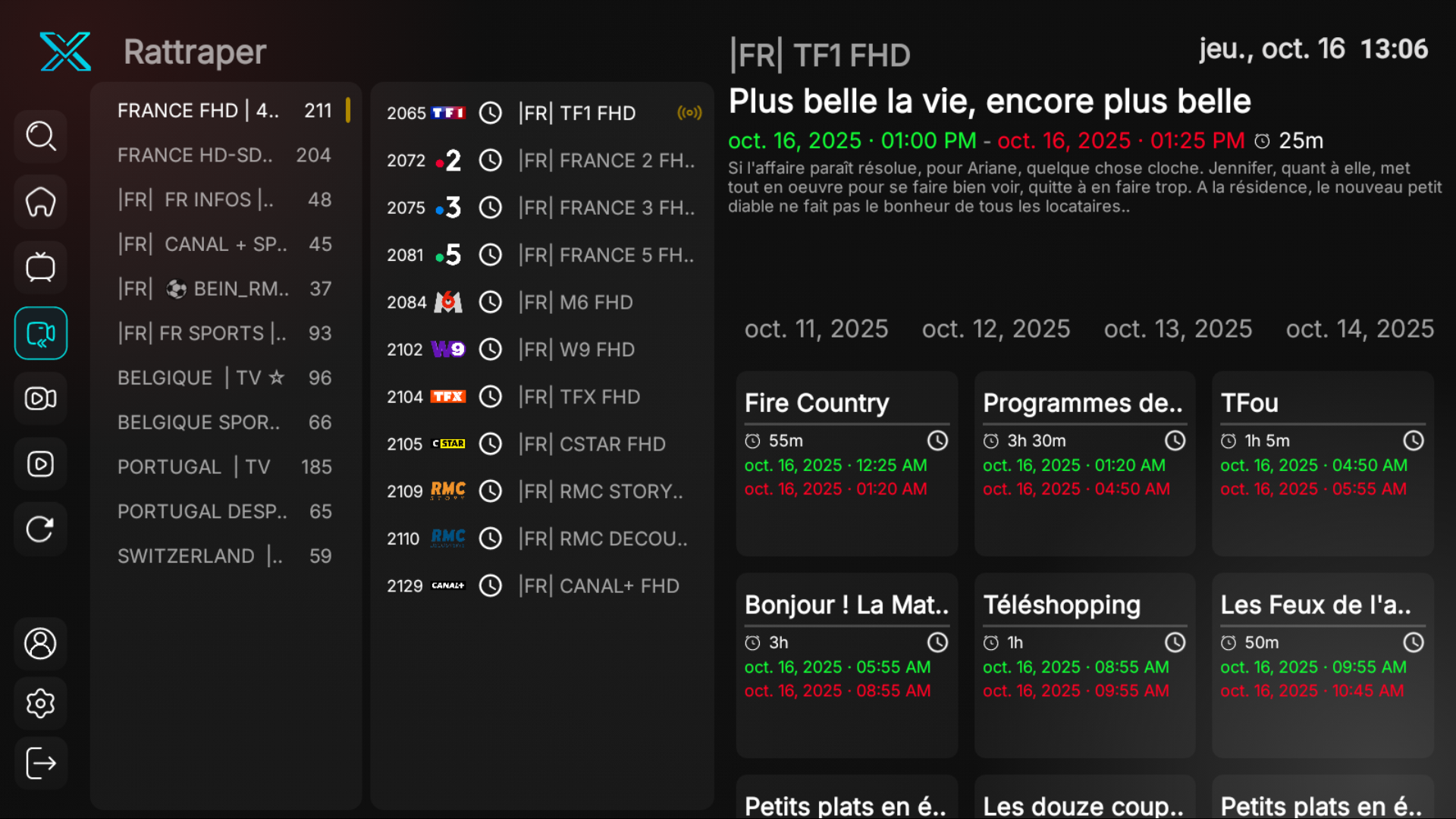
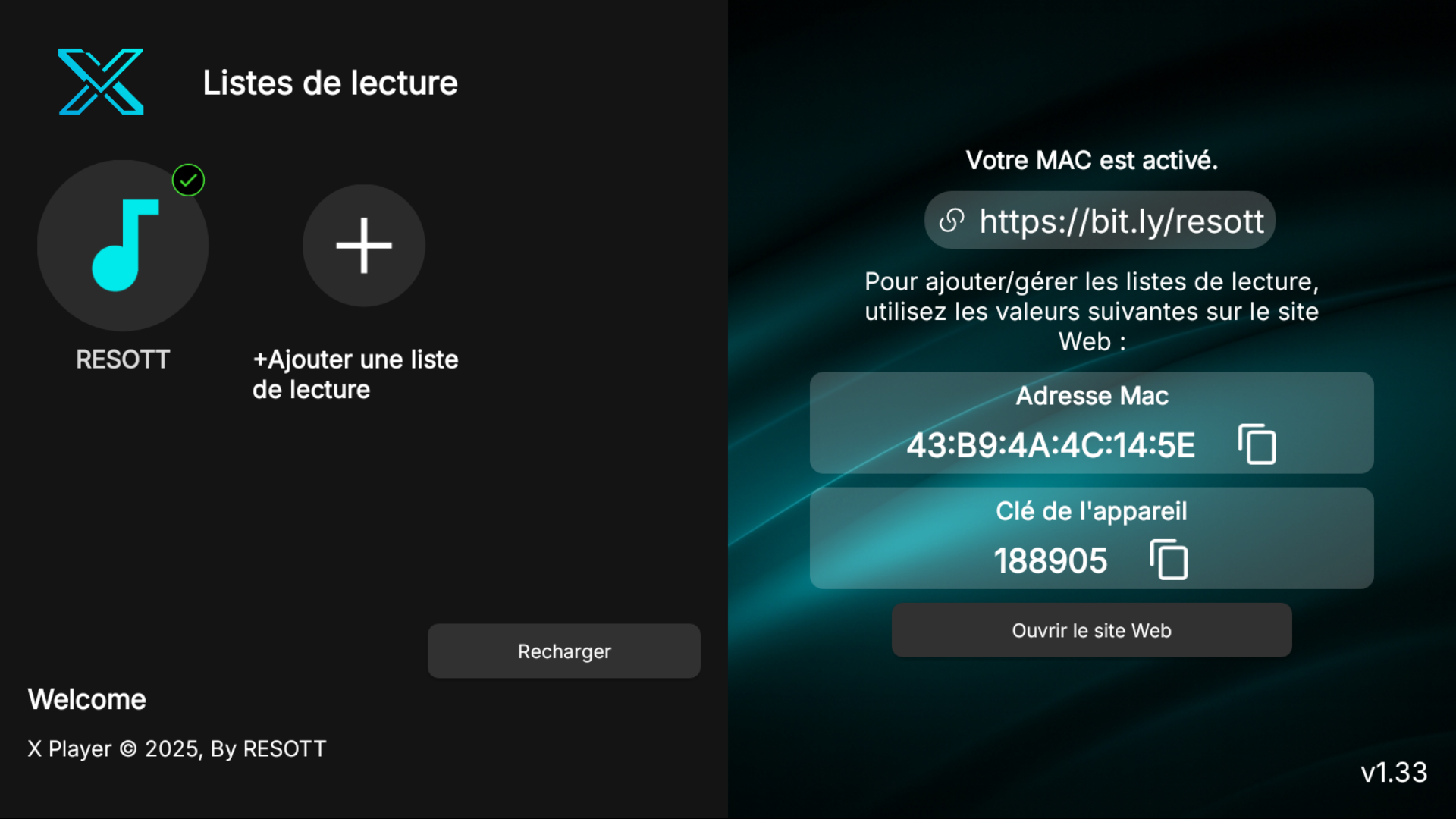
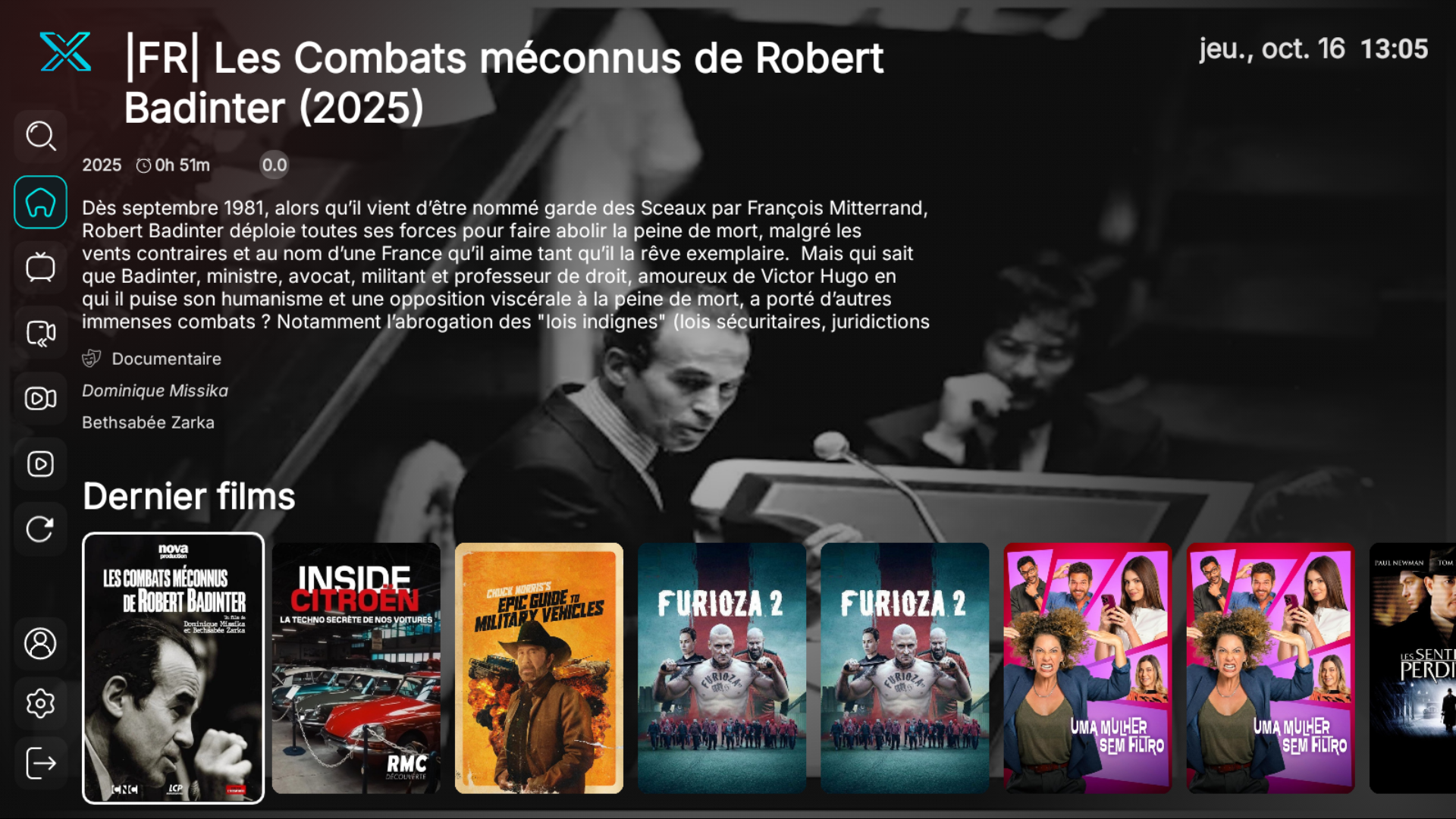
RESOTT IPTV Player – The Ultimate IPTV Solution
Transform your IPTV experience with RESOTT IPTV Player, a powerful and feature-rich app built to support all IPTV servers seamlessly. Designed with a modern, intuitive interface, RESOTT IPTV Player provides easy navigation, high-speed streaming, and exceptional viewing quality, making your favorite content instantly accessible.
Key Features:
All Servers Supported: Compatible with Xtream Codes, M3U, and MAC activation protocols.
Premium Content Access: Effortlessly stream live TV channels, movies, series, and sports events.
Superior Performance: Enjoy rapid loading, stable connections, and minimal buffering.
Versatile Login Methods: Access your IPTV content using Username/Password or Activation Code.
Broad Device Compatibility: Perfectly optimized for Android TVs, smartphones, tablets, Android boxes, and Amazon Firestick.
Secure and Reliable: Verified by Google Play Protect, ensuring a safe and trusted streaming environment.
Why Choose RESOTT IPTV Player?
Whether you're a casual viewer or a streaming enthusiast, RESOTT IPTV Player delivers unmatched performance, versatility, and ease of use, redefining your IPTV viewing experience. Stay tuned as we continuously enhance our app with exciting updates and features tailored to your entertainment needs.
Start streaming smarter today with RESOTT IPTV Player!